Shift Scheduler Blog
Průběžné plánování směn: jak historie rozpisu zlepšuje plánování pomocí AI
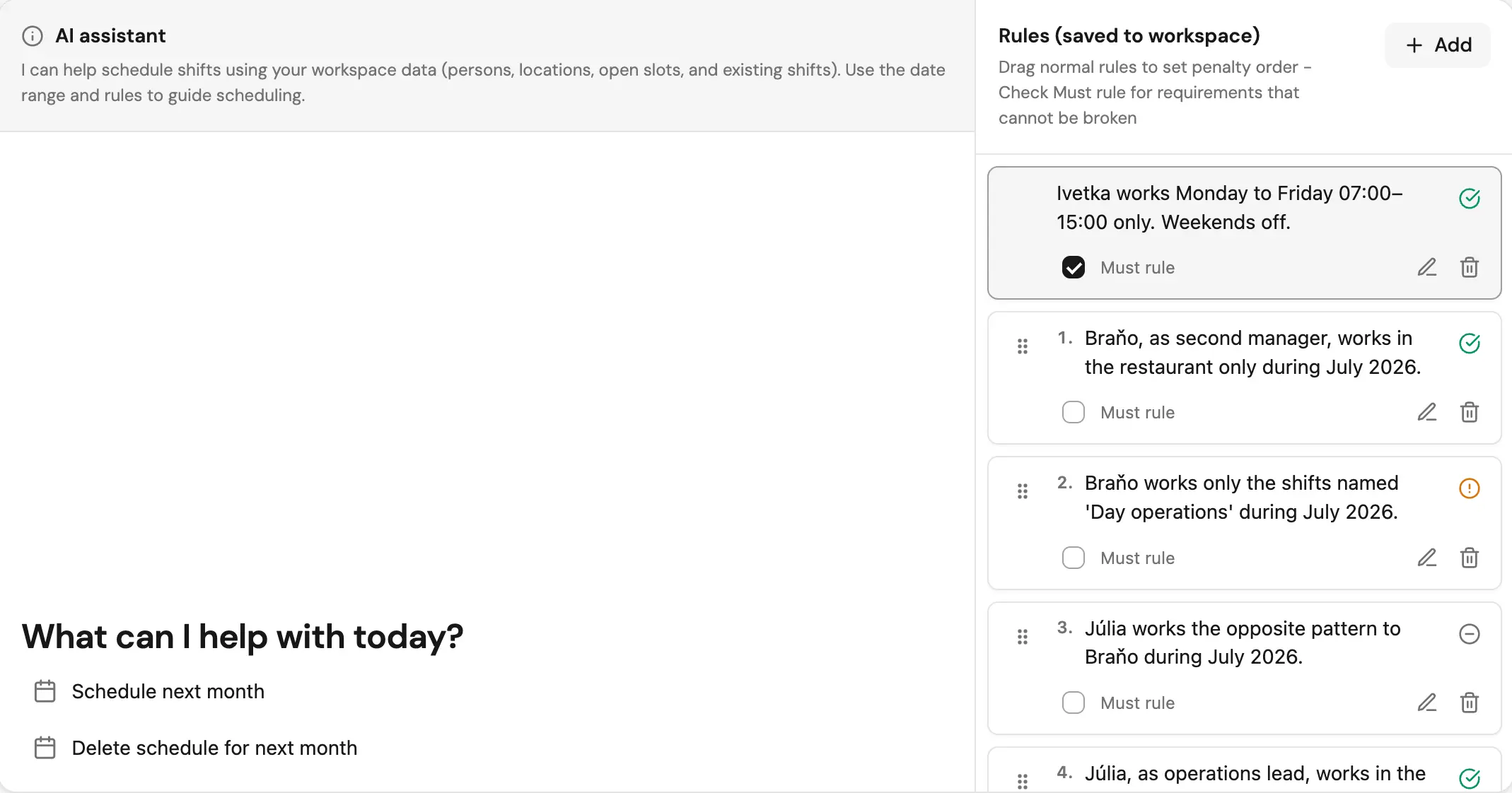
Většina nástrojů na plánování směn bere každý rozpis jako samostatný projekt.
U jednoduchého týdenního rozpisu to může fungovat. U reálných týmů to ale rychle začne vytvářet problémy. Pokud dnes plánujete červenec a příští měsíc budete plánovat srpen, srpnový rozpis pořád potřebuje vědět, co se stalo na konci července.
Zaměstnanec, který měl noční směnu 31. července, může 1. srpna potřebovat odpočinek. Člověk, který měl v červenci příliš mnoho nočních směn, by neměl být první na řadě i v srpnu. A rotace denní, noční, volno by se neměla restartovat jen proto, že se změnil měsíc v kalendáři.
Právě tenhle problém řeší průběžné plánování směn.
Co je průběžné plánování směn?
Průběžné plánování směn znamená, že systém při tvorbě nového rozpisu používá i nedávnou historii směn.
Místo toho, aby se AI dívala jen na vybrané období, zkontroluje také předchozí směny a použije je jako kontext. Nový rozpis se pořád vytvoří pouze pro dny, které uživatel požadoval, ale solver ví, co se dělo těsně před nimi.
Při plánování lidí je to důležité, protože mnoho pravidel přesahuje hranice jednoho plánovacího období:
- Odpočinek po nočních směnách
- Maximální počet pracovních dní za sebou
- Týdenní limity hodin
- Překrývání nočních směn
- Rotační vzory typu denní, noční, volno
- Férové rozdělení náročných směn
- Férové celkové hodiny v čase
Bez historie může plánovač vytvořit rozpis, který ve vybraném měsíci vypadá správně, ale v praxi působí špatně, neférově nebo nebezpečně.
Praktický problém: hranice měsíců jsou umělé
Manažeři často plánují v pevných obdobích: jeden týden, dva týdny nebo jeden měsíc.
Tým se ale na začátku nového období nevynuluje.
Například:
- Noční směna v neděli může znamenat, že pondělí má být volné.
- Člověk, který před začátkem nového rozsahu pracoval pět dní, už může být na limitu pracovních dní za sebou.
- Týdenní limit pořád platí, i když požadovaný rozsah začíná uprostřed týdne.
- Noční směna může začít před požadovaným rozsahem a skončit už v něm.
- Férovost má brát v úvahu nedávnou náročnou práci, ne jen nový rozpis.
Proto dobrý AI plánovač směn potřebuje historii rozpisu. Požadované období je jen výstupní okno. Solver potřebuje širší kontext, aby mohl udělat bezpečné a férové rozhodnutí.
Jak Shift Scheduler pracuje s historií
Shift Scheduler nechává požadavek pro uživatele jednoduchý: stále můžete najednou plánovat maximálně 31 dní.
Uvnitř ale plánování přidává tři automatická okna historie:
| Okno historie | Délka | Účel |
|---|---|---|
| Historie omezení | 7 dní před požadovaným začátkem | Odpočinek, překrývání směn, maximální počet dní za sebou, denní a týdenní limity, bezpečné pokračování rotací |
| Historie férovosti | 60 dní před požadovaným začátkem | Férové rozdělení celkových hodin a šablon směn včetně vyvážení nočních směn |
| Férovost sváteční práce | 365 dní před požadovaným začátkem | Čisté hodiny odpracované o svátcích na všech pracovištích pracovního prostoru |
Důležité pravidlo je jednoduché:
Před požadovaným datem začátku se nevytvářejí, neupravují ani nedoplňují žádné směny.
Historie slouží pouze jako kontext. Pomáhá solveru CP-SAT pochopit reálnou situaci, ale nová přiřazení zůstávají omezená na cílový plánovací rozsah.
Proč jsou okna historie různě dlouhá
Ne každá historie rozpisu má solver ovlivňovat stejným způsobem.
Část historie je provozní. Může z určitého přiřazení udělat nemožnou volbu.
Například pokud člověk včera pracoval noční směnu a pravidlo říká, že dnes musí odpočívat, solver ho má z dnešní směny vyloučit. To je tvrdý plánovací fakt.
Jiná část historie se týká férovosti. Má optimalizaci usměrnit, ale nemá záměrně nechat práci nepokrytou, když existuje proveditelné řešení.
Například pokud jeden člověk za poslední dva měsíce odpracoval mnoho nočních směn, plánovač má u nových nočních směn upřednostnit jiné kvalifikované lidi. Pokrytí ale pořád zůstává na prvním místě.
Proto Shift Scheduler dělí historii do tří skupin:
constraintHistorypro provozní pravidlafairnessHistorypro výpočet férovostipublicHolidayFairnessContextpro dlouhodobější rozdělení svátečních hodin
Toto rozdělení drží chování systému předvídatelné. Nedávná historie může zablokovat nebezpečná nebo neplatná přiřazení, zatímco delší okna férovosti posouvají rozpis k lepší rovnováze, aniž by měnila minulé směny.
Co řídí historie omezení
Historie omezení sahá 7 dní před požadovaný fromDate.
Používá se u pravidel, která musí rozumět nedávné práci:
- Odpočinek po konkrétních šablonách směn
- Maximální počet pracovních dní za sebou
- Denní limity hodin
- Týdenní limity hodin
- Kontroly překrývání směn
- Noční směny přesahující do požadovaného rozsahu
- Flexibilní rotační vzory, například denní, noční, volno
Příklad:
Pokud požadovaný rozsah začíná 1. srpna a člověk pracoval noční směnu 31. července, solver může 1. srpna brát jako povinný den odpočinku, pokud pravidlo vyžaduje odpočinek po nočních směnách.
Plánovač nevytváří ani neupravuje směnu z 31. července. Pouze ji použije k tomu, aby se správně rozhodl pro den 1. srpna.
Co řídí historie férovosti
Historie férovosti sahá 60 dní před požadovaný fromDate.
Používá se jen pro skórování a vyvažování:
- Celkové hodiny podle člověka
- Mix šablon směn podle člověka
- Rozdělení nočních směn
- Nedávné nadměrné využívání náročných šablon
Příklad:
Pokud Alice za posledních 60 dní pracovala mnoho nočních směn a Bob je na noční směny také kvalifikovaný, solver by měl při další noční směně upřednostnit Boba, pokud je to možné.
Není to dokonalá férovost, protože plánování lidí vždy obsahuje kompromisy. Je to ale výrazně lepší než tvářit se, že každý nový měsíc začíná s čistým štítem.
Proč férovost sváteční práce sleduje 365 dní
Práce o svátcích se objevuje méně často než běžné nebo noční směny, takže 60denní okno je zpravidla příliš krátké na smysluplné porovnání. Shift Scheduler proto sleduje 365 dní a počítá čisté hodiny, které každý vybraný člověk odpracoval v termínech z kalendáře státních svátků pracovního prostoru.
Přestávky se odečítají, noční směny patří k datu začátku a započítává se práce na všech pracovištích. U novějších zaměstnanců se svátky před jejich nástupem vyrovnají podle průměru hodin, které tým odpracoval o svátcích spadajících do doby působení jednotlivých lidí. Skutečné nuly lidí, kteří byli v týmu po celé období, zůstávají nulami.
Solver spojí tuto upravenou historii s již existující sváteční prací v cílovém období a s novými zvažovanými přiřazeními. Nejdřív pevně zachová pokrytí, tvrdá omezení a cíle hodin; férovost sváteční práce optimalizuje jen mezi rozpisy, které tyto vyšší priority splňují stejně dobře.
Pokrytí je pořád na prvním místě
Průběžná historie rozpisu nemá zhoršit výsledek tím, že systém nechá směny prázdné jen kvůli férovosti.
Shift Scheduler nechává pokrytí jako první fázi řešení. Solver se nejdřív snaží obsadit co nejvíc směn v cílovém rozsahu při dodržení tvrdých omezení. Férovost se řeší až potom jako součást optimalizačního cíle.
To znamená, že historie férovosti může ovlivnit, kdo bude přiřazen, ale nemá záměrně nechat cílovou směnu neobsazenou, pokud ji lze obsadit.
Jakmile je pokrytí vyřešené, plánovač může jít ještě o krok dál než historie férovosti. Pokud zadáte přesný měsíční cíl hodin, například 7,5 hodiny za pracovní den, může nad rámec otevřených slotů přidat směny navíc, aby toto konkrétní číslo dosáhl u každého člověka. Viz jak naplánovat přesný počet hodin za měsíc.
U AI plánování lidí je to důležitý rozdíl:
- Tvrdá omezení chrání bezpečnost, zákonnost a proveditelnost.
- Historie férovosti zlepšuje kvalitu rozpisu.
- Pokrytí zůstává hlavním provozním cílem.
Průběžné plánování a optimalizace CP-SAT
Shift Scheduler používá pro optimalizaci rozpisů solver CP-SAT.
CP-SAT se pro plánování zaměstnanců hodí velmi dobře, protože problém obsahuje mnoho proměnných a omezení:
- Který člověk může pracovat na které směně
- Které směny se překrývají
- Kdo je nedostupný
- Kolik hodin může každý člověk pracovat
- Která pravidla odpočinku platí
- Která přiřazení jsou férová
- Které rotační vzory mají pokračovat
Průběžná historie rozpisu rozšiřuje vstup solveru o nedávná fakta. Solver pak vyhodnocuje přiřazení v cílovém rozsahu s přesnějším pohledem na předchozí rozpis.
Jednoduše řečeno:
Solver se neptá jen: "Kdo může pracovat na této směně?"
Ptá se: "Kdo může pracovat na této směně vzhledem k tomu, co v poslední době odpracoval?"
Příklad: férovost nočních směn napříč měsíci
Představte si, že červencový rozpis vypadá takto:
- Alice pracovala 8 nočních směn.
- Bob pracoval 2 noční směny.
- Alice i Bob mohou pracovat noční směny.
- Srpnový rozpis obsahuje 4 nové noční směny.
Pokud srpnový solver ignoruje červenec, Alice a Bob mohou na začátku srpna vypadat stejně vyváženě.
S historií férovosti solver vidí, že Alice měla v poslední době víc noční práce. Když je to možné, může více nových srpnových nočních směn přiřadit Bobovi nebo jiným vhodným lidem.
Právě tady průběžné plánování směn zlepšuje spokojenost zaměstnanců. Snižuje pocit, že se náročná práce opakuje náhodně nebo nespravedlivě.
Příklad: odpočinek přes hranici měsíce
Představte si takové pravidlo:
Po noční směně dej člověku alespoň jeden den volna.
Teď situace:
- 31. července: Alice pracuje 19:00-07:00.
- 1. srpna: Plánovač potřebuje obsadit denní směnu.
Bez historie omezení může srpnový rozpis přiřadit Alici na 1. srpna, protože solver vidí jen srpen.
Se 7denní historií omezení solver vidí noční směnu z 31. července a zablokuje přiřazení Alice na 1. srpna.
Výsledný rozpis je bezpečnější a realističtější.
Příklad: týdenní limity hodin, když rozsah začíná uprostřed týdne
Týdenní limity se ne vždy shodují s plánovacími obdobími.
Pokud požadovaný rozpis začíná ve středu, zaměstnanec už mohl pracovat v pondělí a úterý. Tyto hodiny se mají započítat do týdenního limitu.
Historie omezení dává solveru dost informací na to, aby se vyhnul náhodným přesčasům nebo nereálným přiřazením nad týdenní limit.
Je to obzvlášť důležité ve zdravotnictví, hotelnictví a gastronomii, maloobchodě a všude tam, kde provoz pracuje se zákonnými nebo smluvními limity hodin.
Co tato funkce nedělá
Průběžná historie rozpisu je záměrně zaměřená na konkrétní problém.
Nedovoluje plánovači obsazovat směny před požadovaným datem začátku. Stejně tak nepřepisuje staré směny.
Nesnaží se vyřešit každý možný problém s rotačními vzory. Přesné neukotvené opakující se rotace budou v budoucí verzi pořád potřebovat explicitní kotevní data. Současný přístup se soustředí na bezpečné pokračování flexibilních rotací tam, kde má předchozí práce vynutit odpočinek v cílovém rozsahu.
Díky tomu je chování snadno pochopitelné:
- Požadovaný rozsah zůstává omezený na 31 dní.
- Historie omezení sahá 7 dní zpět.
- Historie férovosti sahá 60 dní zpět.
- Historické směny jsou běžné směny, ne záznamy žádostí o volno.
- Nová přiřazení vznikají jen v požadovaném rozsahu.
Shrnutí pro znalostní bázi
Toto shrnutí se hodí při vysvětlování průběžného plánování ve Shift Scheduleru:
- Průběžné plánování směn používá předchozí směny jako kontext pro nový rozpis.
- Uživatelé pořád zadávají plánovací rozsah maximálně 31 dní.
- Solver automaticky kontroluje 7 dní před požadovaným začátkem kvůli provozním omezením.
- Solver automaticky kontroluje 60 dní před požadovaným začátkem kvůli výpočtu férovosti.
- Historie omezení ovlivňuje odpočinek, maximální počet dní za sebou, týdenní limity hodin, denní limity hodin, překrývání směn, noční směny a flexibilní pokračování rotací.
- Historie férovosti ovlivňuje férové rozdělení celkových hodin a šablon směn včetně vyvážení nočních směn.
- Historie nevytváří, neupravuje ani nedoplňuje směny před požadovaným datem začátku.
- Pokrytí se optimalizuje jako první, takže historie férovosti nemá záměrně nechávat cílové směny neobsazené.
- CP-SAT používá historický kontext k tomu, aby byla přiřazení v cílovém rozsahu bezpečnější a férovější.
FAQ
Co je průběžné plánování směn?
Průběžné plánování směn je plánování personálu, které při tvorbě nového rozpisu používá nedávnou historii směn. Pomáhá pravidlům a férovosti pokračovat napříč týdny nebo měsíci místo toho, aby se při každém plánovacím období začínalo od nuly.
Proč je historie rozpisu důležitá při AI plánování směn?
Historie rozpisu je důležitá proto, že odpočinek, férové rozdělení nočních směn, týdenní limity hodin a rotační vzory často přesahují hranice vybraného rozsahu dat. Plánovač, který ignoruje nedávnou práci, může vytvořit rozpis, který vypadá správně, ale je neférový nebo nebezpečný.
Plánuje Shift Scheduler najednou víc než 31 dní?
Ne. Plánovací rozsah zadaný uživatelem je pořád omezený na 31 dní. Okna historie 7 a 60 dní jsou interní kontext, ne další dny, do kterých by se plánovaly nové směny.
Může historie vytvořit směny před datem začátku?
Ne. Historické směny jsou pouze kontext pro čtení. Shift Scheduler vytváří nová přiřazení jen v požadovaném cílovém rozsahu.
Jak historie férovosti pomáhá u nočních směn?
Historie férovosti umožňuje optimalizaci vidět, kdo v poslední době pracoval mnoho nočních směn. Když může novou noční směnu pokrýt víc kvalifikovaných lidí, solver může upřednostnit člověka s menším počtem nedávných nočních přiřazení.